Skip to content


[CENTER]<span style="font-family:trebuchet ms">Linode VPS Reseller — Seamlessly resell VPS solutions with Linode</span>
[/CENTER]
<span style="font-size:1.1em">R</span>esell high-performance Linode VPS servers directly through Paymenter. This extension automates provisioning, management, and billing, allowing hosting providers to offer reliable cloud servers with minimal manual effort.
[FONT=trebuchet ms]The Linode VPS Reseller extension integrates Paymenter with Linode’s API to provide fully automated VPS provisioning and lifecycle management.
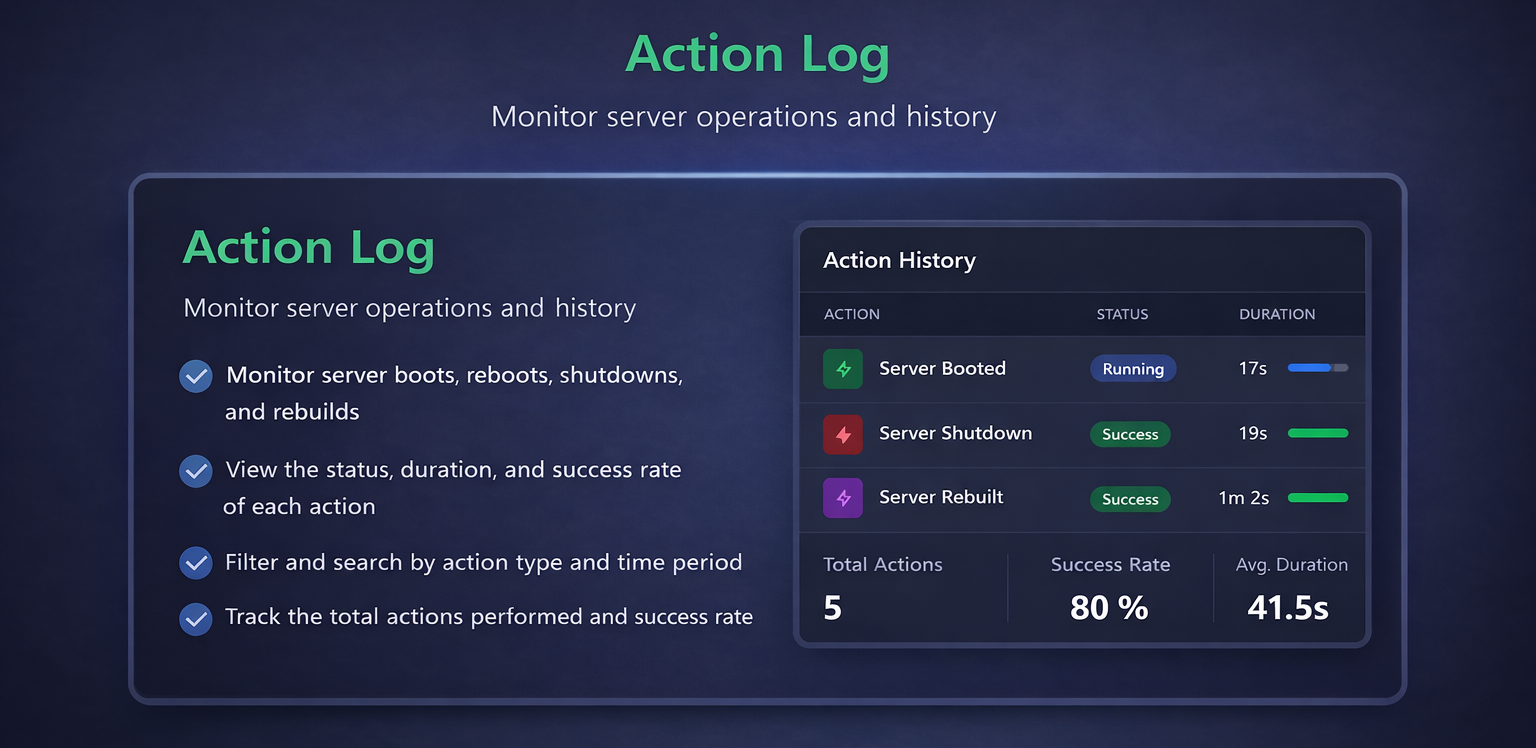
When a customer places and pays for an order, the extension instantly deploys a VPS on Linode, delivers access credentials, and keeps the service synchronized throughout its lifecycle. Server actions such as rebooting, reinstalling, or termination are handled directly from the client panel.[/FONT]
[FONT=trebuchet ms]Configure your Linode API credentials under:
Admin Panel > Extensions > Servers > Linode
Available settings include:[/FONT]
[FONT=trebuchet ms]Assign Linode to a product under:
Admin Panel > Products > Your Product > Server > Linode
Available settings include:[/FONT]
[FONT=trebuchet ms]Configuration when in Check out page
Available settings include:[/FONT]
Ideal for:
[FONT=trebuchet ms]For assistance, join our Discord server and open a support ticket. Discord
User who purchased the <a href="https://builtbybit.com/resources/linode-vps-reseller.62272/?ref=discover" target="_blank" rel="noopener noreferrer" class="text-[var(--vp-c-brand-1)] hover:underline">OLD</a> version will receive this new version for free. Please contact us through Discord. This only applies to users who purchased the old extension before 01/01/2026.[/FONT]
Linode VPS Reseller Plus
Linode server provisioning and reseller support for Paymenter.
Developer
qkingsoftware
Last Updated
January 18, 2026
Price
$10.00
Installs
6 installs
Purchases
3 purchases
Categories
extension
About this extension
[CENTER]<span style="font-family:trebuchet ms">Linode VPS Reseller — Seamlessly resell VPS solutions with Linode</span>
[/CENTER]
<span style="font-size:1.1em">R</span>esell high-performance Linode VPS servers directly through Paymenter. This extension automates provisioning, management, and billing, allowing hosting providers to offer reliable cloud servers with minimal manual effort.
Overview
[FONT=trebuchet ms]The Linode VPS Reseller extension integrates Paymenter with Linode’s API to provide fully automated VPS provisioning and lifecycle management.
When a customer places and pays for an order, the extension instantly deploys a VPS on Linode, delivers access credentials, and keeps the service synchronized throughout its lifecycle. Server actions such as rebooting, reinstalling, or termination are handled directly from the client panel.[/FONT]
Features
- [FONT=trebuchet ms]Automated VPS Provisioning
Instantly deploy Linode VPS instances when orders are completed.[/FONT] - [FONT=trebuchet ms]Full Lifecycle Management
Start, stop, reboot, reinstall, and terminate servers from the client panel.[/FONT] - [FONT=trebuchet ms]Operating System Selection
Allow customers to choose from available Linode OS images.[/FONT] - [FONT=trebuchet ms]Automatic Credential Delivery
Provide server IPs, root credentials, and access details after provisioning.[/FONT] - [FONT=trebuchet ms]Status and Resource Synchronization
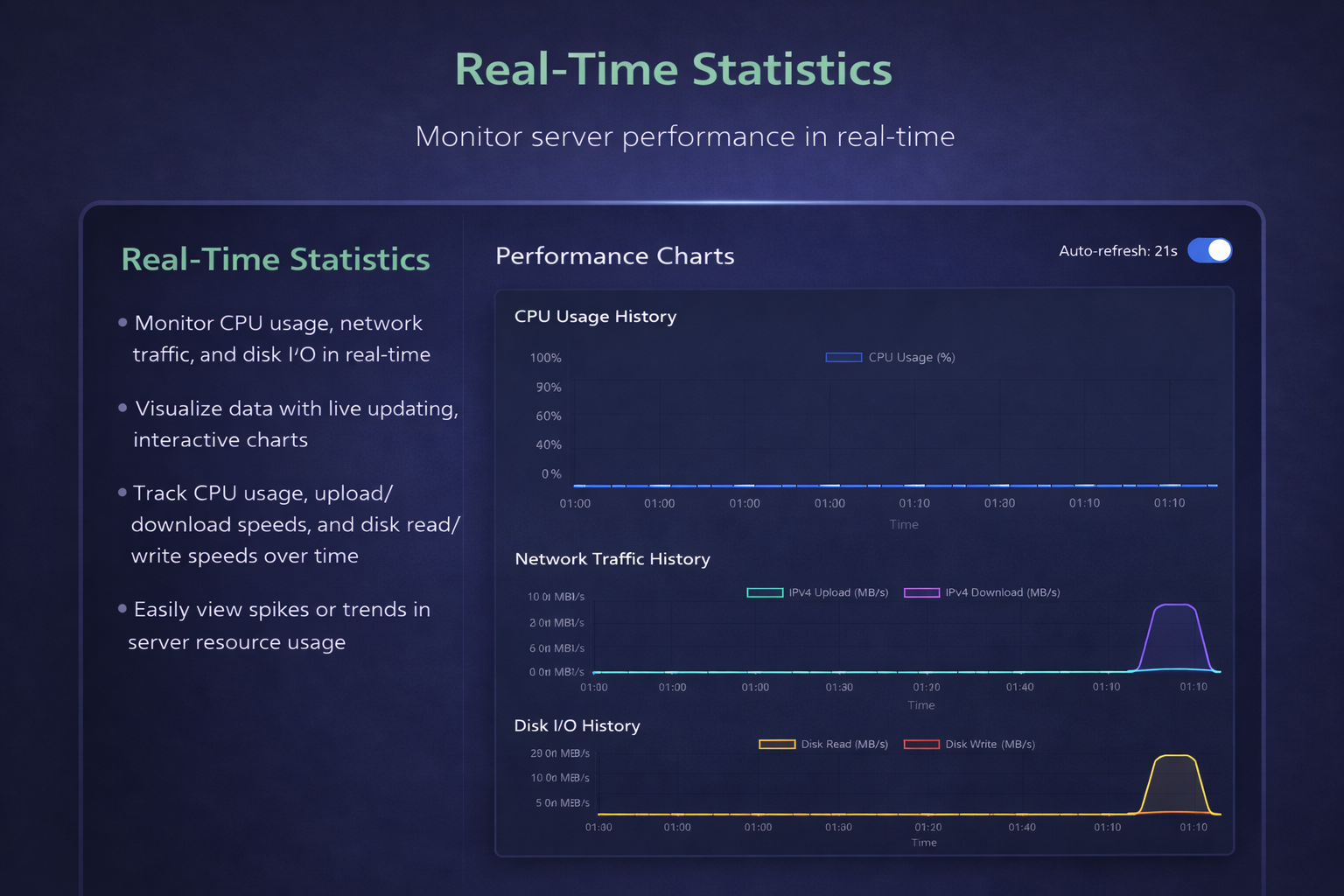
Sync server status, usage, and metadata for accurate visibility.[/FONT] - [FONT=trebuchet ms]API-Driven Integration
Uses the official Linode API for fast, secure, and reliable communication.[/FONT]
Requirements
- Paymenter (latest version recommended)
- Linode account with API access enabled
- Active Linode account balance or billing method
Installation
- Download the extension files.
- [FONT=trebuchet ms]Extract the archive and upload it to:
/var/www/paymenter/extensions/Servers/[/FONT] - Log in to the Paymenter Admin Dashboard.
- Navigate to Extensions &gt; Servers and activate Linode.
Configuration
Global Configuration
[FONT=trebuchet ms]Configure your Linode API credentials under:
Admin Panel > Extensions > Servers > Linode
Available settings include:[/FONT]
- API Token
Product Configuration
[FONT=trebuchet ms]Assign Linode to a product under:
Admin Panel > Products > Your Product > Server > Linode
Available settings include:[/FONT]
- [FONT=trebuchet ms]Linode Plan
Plans are automatically fetched from the Linode API.[/FONT]
Client Configuration
[FONT=trebuchet ms]Configuration when in Check out page
Available settings include:[/FONT]
- [FONT=trebuchet ms]Operating System
OS images are dynamically loaded from Linode.[/FONT] - [FONT=trebuchet ms]Region
Select the deployment region for VPS instances.[/FONT] - Root Password
Use Cases
Ideal for:
- Hosting providers reselling cloud VPS services
- Agencies offering managed or unmanaged VPS solutions
- Developers providing scalable server environments to clients
Support
[FONT=trebuchet ms]For assistance, join our Discord server and open a support ticket. Discord
User who purchased the <a href="https://builtbybit.com/resources/linode-vps-reseller.62272/?ref=discover" target="_blank" rel="noopener noreferrer" class="text-[var(--vp-c-brand-1)] hover:underline">OLD</a> version will receive this new version for free. Please contact us through Discord. This only applies to users who purchased the old extension before 01/01/2026.[/FONT]
Coming Soon
- Advanced server customization options
- Expanded client-side management features
- Enhanced monitoring and reporting tools