
cPanel
Create an API key in cPanel
Create an API key in the cPanel panel. Give it a name like "Paymenter" and fill in the following permissions (privileges).
- List Packages | list-pkgs
- List Accounts | list-accts
- Create Accounts | create-acct
- Terminate Accounts | kill-acct
- Suspend/Unsuspend Accounts | suspend-acct
- Upgrade/Downgrade Accounts | upgrade-account
- Use Root Packages | viewglobalpackages
- Account Modification | edit-account
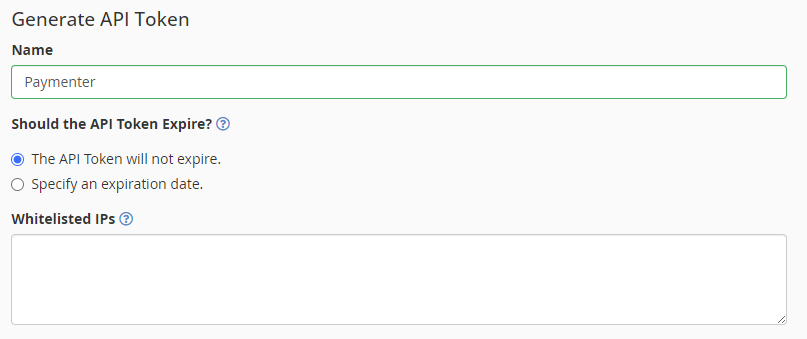
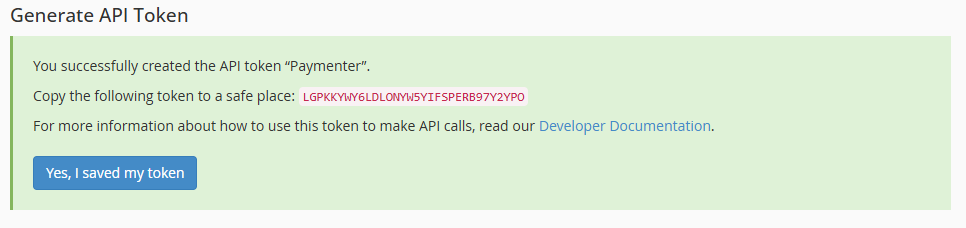
Copy the key and save it somewhere safe, you will need it later.
Configure Paymenter
Create a new server in the Paymenter admin panel and select cPanel as the server type. Fill in the following fields:
- Hostname: The hostname of your WHM server (e.g.
whm.example.com:2087) - Username: The username of the WHM account you created the API key with (e.g.
root) - API Key: The API key you created in the previous step
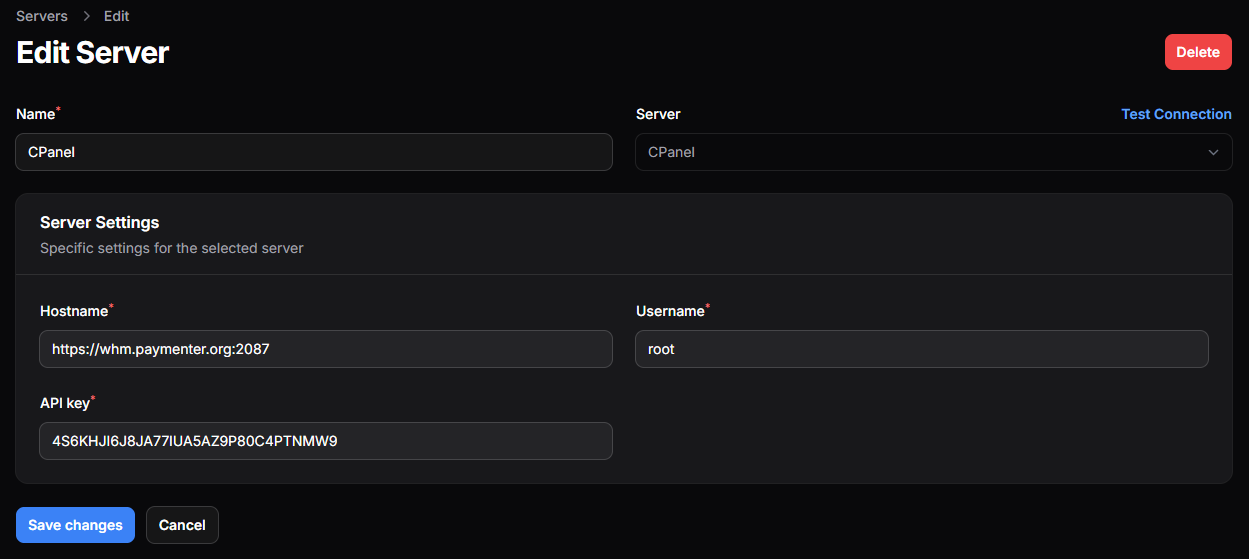
Press Test Connection to see if the connection is working.
Configuring the product
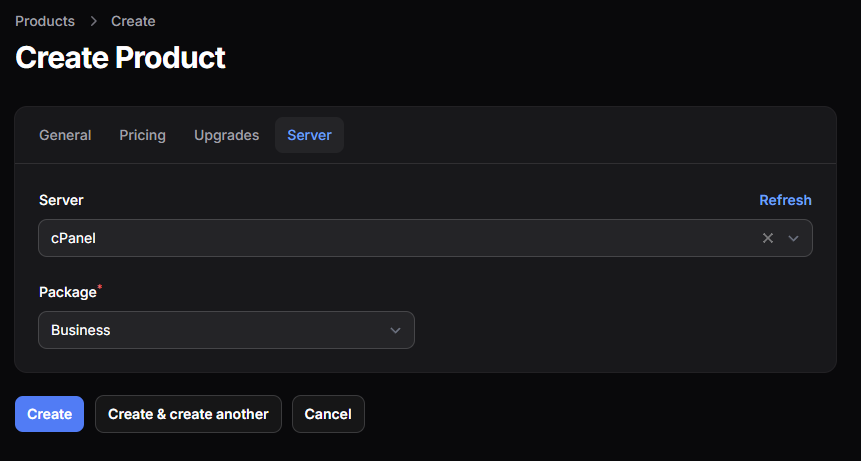
Select the cPanel server you created in the previous step and select the correct package.